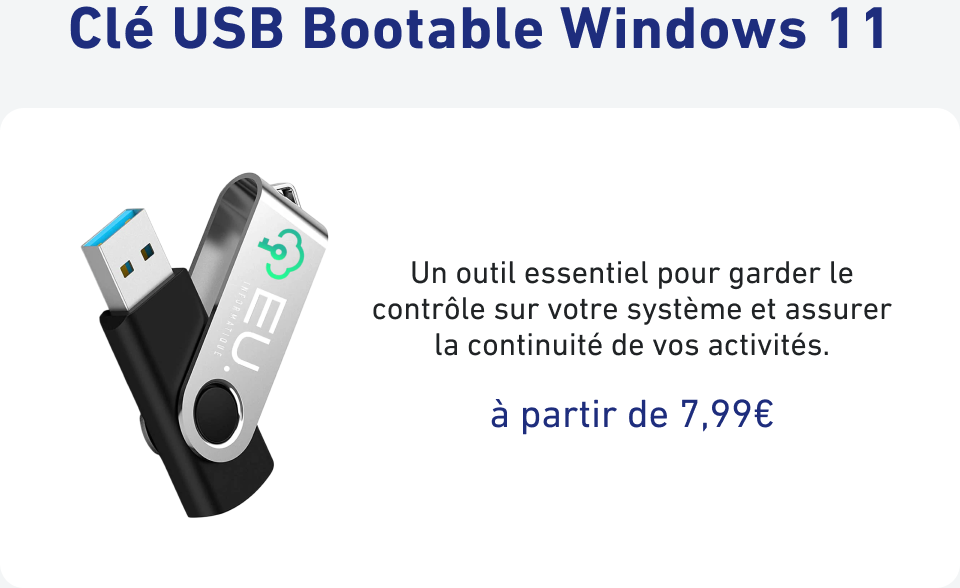
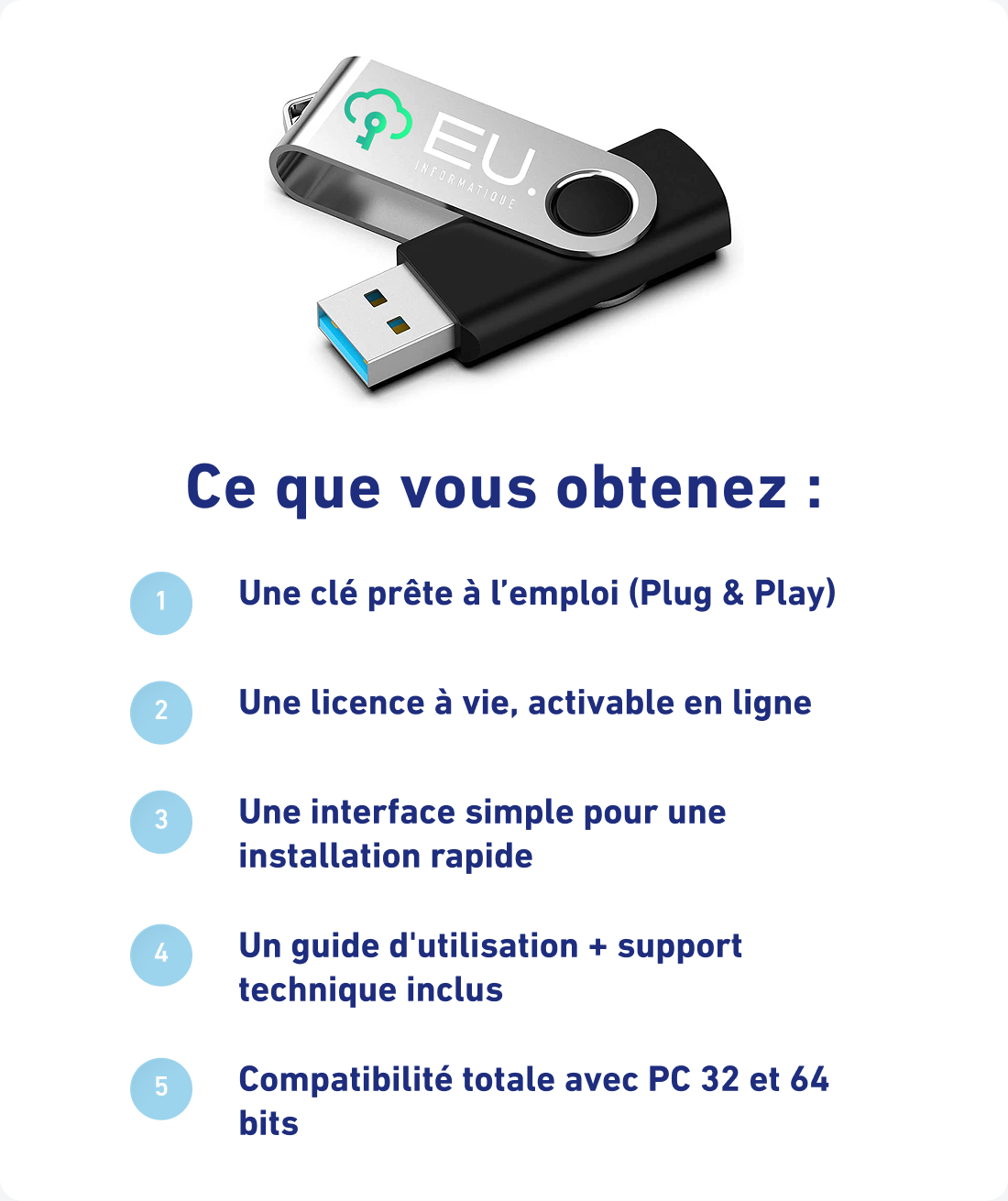
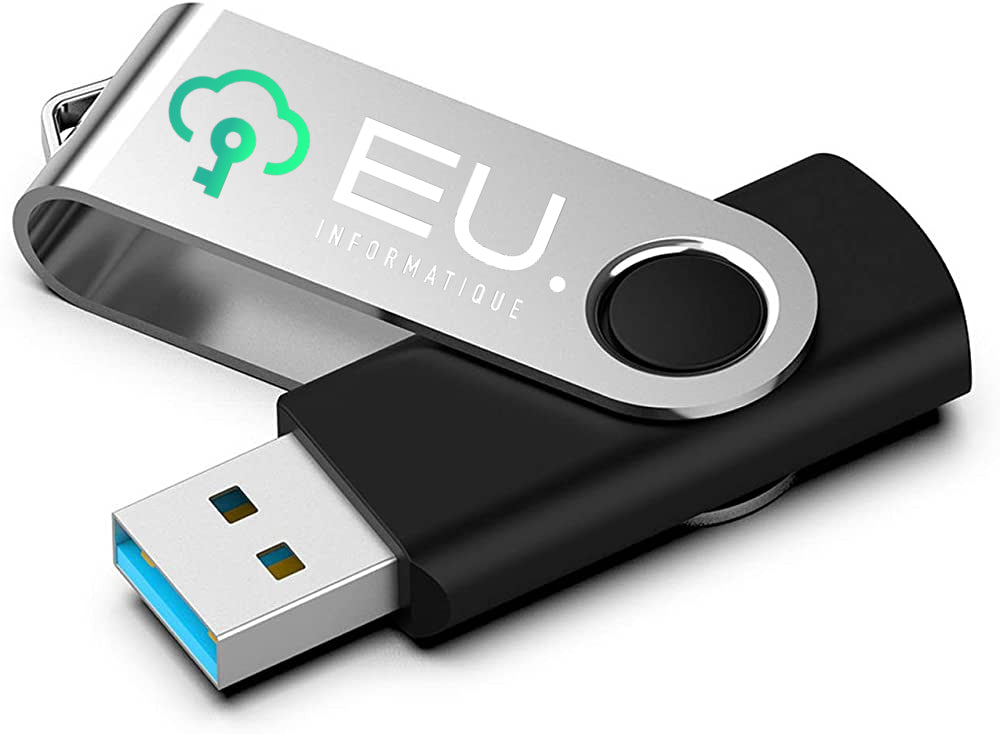
Install Windows with your Windows 11 Bootable USB Key in 4 Steps
After your order is confirmed, your bootable USB key is prepared and then shipped. You will receive a confirmation email along with a tracking number as soon as it is sent. Your order information remains accessible 24/7 from your customer area.
Complete your order
Pay securely by credit card, PayPal, or Apple Pay.
Track the shipment
Check the tracking information sent by email to follow the delivery progress of your USB key.
Start the computer from the USB key
Plug in the USB key, open the computer’s boot menu, then select the USB key as the boot device.
Install Windows
Follow the on-screen steps to complete the installation. A Windows activation license may be required depending on the offer you purchased.
If you encounter any difficulties, EU Informatique customer service is available to assist you.
Detailed compatibility information for this product will be available soon. In the meantime, contact us: we will confirm compatibility with your device within minutes.